
Available on Android, Windows and Chrome
Apps for Android and Windows plus an extension for Chrome. Download and connect in a minute.
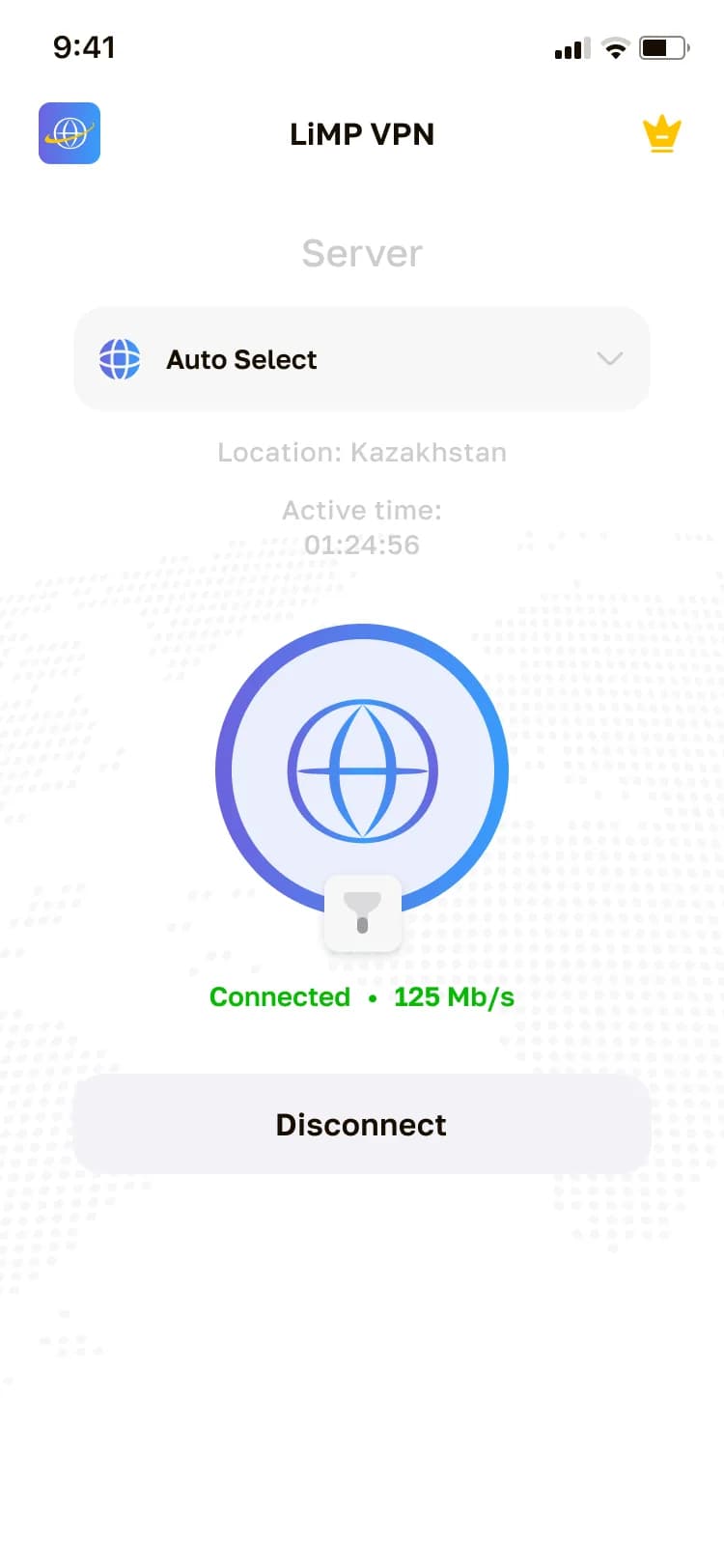
VPN on Android — APK install
For Android (8 and later) a direct download of the latest APK is available:
- Tap "Download for Android" — the APK file download starts
- Allow installation from unknown sources in your device settings
- Open the downloaded file and install the app
- Launch LiMP VPN and connect in one tap
VPN on Windows — install from the archive
For Windows 10 and 11 the app ships as a ZIP archive with an installer inside:
- Click "Download for Windows" — the ZIP archive downloads
- Unzip the archive and run the installer
- Follow the setup wizard
- Launch LiMP VPN, sign in or create an account
VPN in Chrome — browser extension
For Google Chrome (120 and later) there is the LiMP VPN extension — it protects your browser traffic:
- Open the Chrome extension page and download the ZIP archive
- Unzip the archive into a separate folder
- Open chrome://extensions, turn on Developer mode and click "Load unpacked"
- Select the extension folder and sign in to your LiMP VPN account
System requirements
LiMP VPN works on Android devices with version 8 and later, on Windows 10 and 11 computers and in Google Chrome 120 and later. One account can be used on up to 10 devices at the same time — phones, computers and browsers for the whole family.
What you get
The Android, Windows and Chrome clients provide modern traffic encryption; the apps add smart app filtering (split tunneling), automatic best-server selection and auto-reconnect if the connection drops. The service follows a no-logs policy — connection history is not stored, and only an email is requested at signup.
Free tier and subscription
You can start for free: basic features are available after install. Premium from 69 ₽ per month on the annual plan removes the limits — all servers, maximum speed, unlimited traffic and no ads. Plans for 1, 3, 6 and 12 months are available; payments go through secure gateways and you can cancel anytime.
VPN by platform
Ready to try?
Download LiMP VPN for free and feel the difference within a minute.