
eMudhra CA Keys Cracked in Seconds: HTTPS Could Be Forged

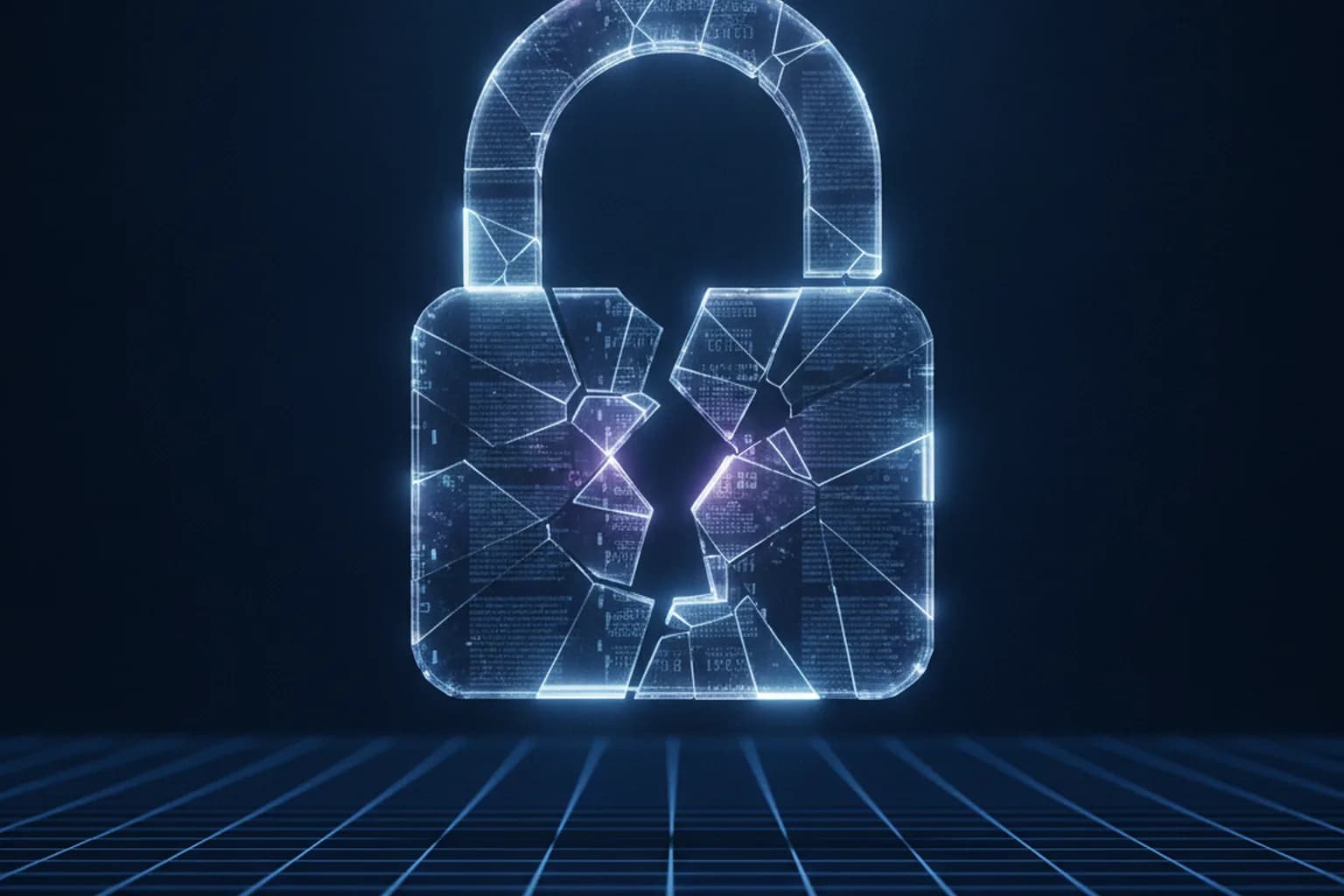
In short: On 17 October 2026 a researcher found that the private keys of eight intermediate certificates from the eMudhra certificate authority could be recovered in under a second. Six of them could have issued a trusted HTTPS certificate for any website. Chrome, Firefox, Apple and Microsoft blocked them between 17 and 20 October, and no abuse was found. Update your browser and OS.
What happened
eMudhra, an Indian certificate authority, issues certificates that browsers trust — the kind that turns a website address into secure HTTPS with a padlock. On 17 October 2026 an independent researcher known as Wayne was checking public certificate data and spotted an anomaly: eight eMudhra intermediate certificates had private keys that were not random 384-bit numbers but tiny values such as 4, 56, 66 and 115, all below 256.
In practice, that means a key can be brute-forced from just 256 candidates — in a fraction of a second. Six of the eight certificates could issue TLS certificates for websites; the other two could sign software. We explain how secure connections underpin online safety in our breakdown of evil twin Wi-Fi attacks.
Where the weak keys came from
On 21 October eMudhra published an explanation. The keys were created back in April 2025. During the key ceremony, engineers modified the standard process to test operations with a hardware security module. A script error produced a second, weak set of keys, and a labelling mix-up meant that set ended up in the intermediate certificates later added to browser trust stores. Nobody noticed for a year and a half.
Why is a forged certificate dangerous?
A certificate is a website's passport. The browser checks its signature, and if the chain leads to a trusted authority, it shows the padlock. An attacker holding an intermediate key could have issued a certificate for, say, a bank or email login page, and the browser would have accepted it as genuine. Combined with a man-in-the-middle attack — for example, through a fake hotspot in a café or airport — that lets someone show a fake sign-in page without a single warning and capture logins, passwords and messages.
That is why the response was so fast: what was at stake was not one company but the HTTPS trust model itself, which online banking, government services and web messengers all rely on.
How browsers responded
- Mozilla blocked the certificates on 17 October via OneCRL, shipped Firefox 158.0.1 on 20 October and removed the emSign ECC Root CA — G3 root.
- Google blocked the six TLS intermediates in Chrome the same day. Android devices were protected by 19 October, and removal of the root from the Chrome Root Store reaches all devices by 27 October.
- Apple added protection on 19 October and Microsoft on 20 October.
- Go 1.27.3 and 1.26.10 reject all eight certificates outright; the issue is tracked as CVE-2026-111943.
The good news: Certificate Transparency logs, where every public certificate is supposed to appear, showed no website certificates issued through those six intermediates before the block. There are no signs of real-world attacks.
What should regular users do?
Update your browser and operating system. The block arrives with revocation-list and trust-store updates. An outdated browser or a phone that has not been updated in a while may still trust the compromised chain.
Never click through certificate warnings. A "Your connection is not private" page is a signal, not an annoyance — especially on a bank or email site you use every day.
Do not install root certificates because someone asks you to. A root certificate lets its owner vouch for any website on your device. Install one only when your organisation requires it and you understand why.
Be careful on public Wi-Fi. Certificate forgery is most dangerous where someone can sit between you and the internet. See our guides to public Wi-Fi security and secure online banking.
Encrypt your traffic on untrusted networks. LiMP VPN builds an encrypted tunnel from your device to the VPN server, so the hotspot owner or someone else on the network cannot tamper with your connection. To be clear about limits: a VPN does not validate website certificates and does not replace browser updates. It covers the local part of the risk — interception on the network you are using. More on the features page.
Sources
Frequently asked questions
Were there real attacks using forged eMudhra certificates?
There are no signs of it. Certificate Transparency logs showed no website certificates issued through the six vulnerable intermediates before they were blocked.
Do I need to do anything?
Update your browser and operating system, since the block ships with updates. And never click through certificate warnings on sites you know.
Does a VPN protect against forged certificates?
Partly. A VPN encrypts traffic and blocks tampering on the local network, such as public Wi-Fi. But it does not validate website certificates — the browser does.